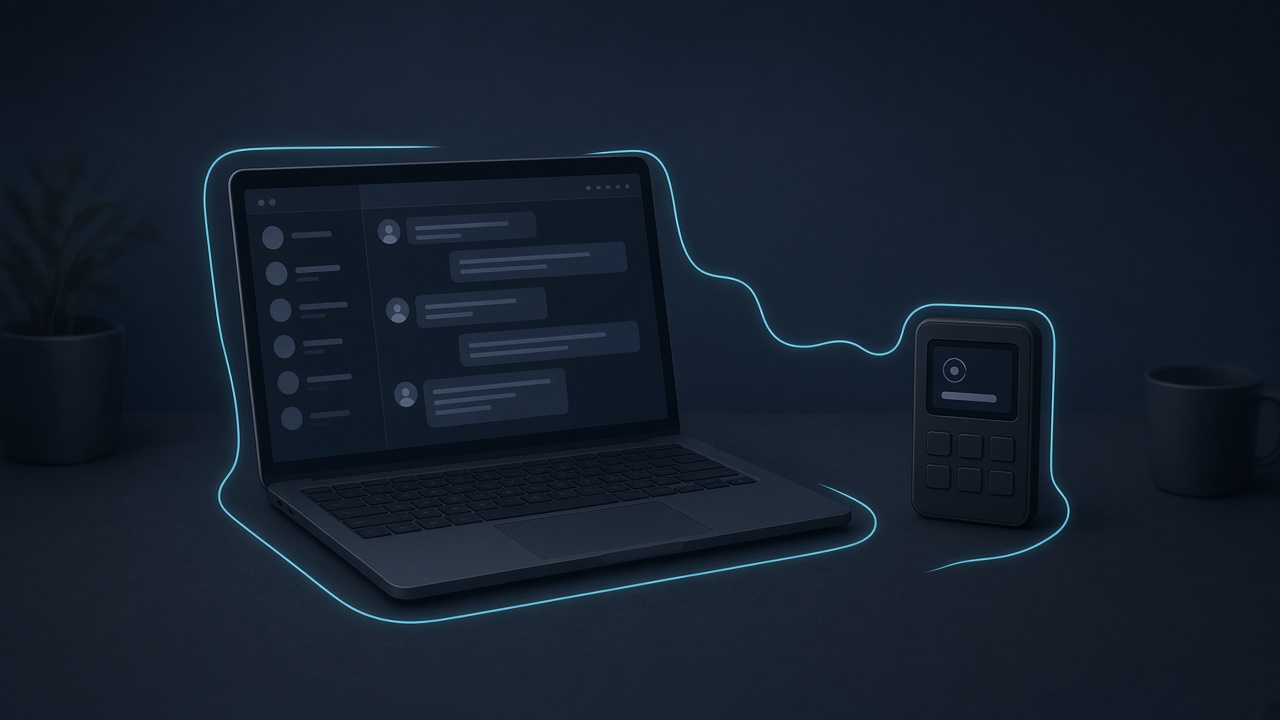
On 13 November 2026, trader Harley Lewis Foote said on X that a file delivered through WhatsApp Desktop had been downloaded automatically and given an attacker remote access to his PC. This is his own account. It has not been independently confirmed in a formal incident report.
Foote said the payload arrived from a burner number, that auto-download had been enabled after a recent update, and that he did not need to click the file. He said the attacker had full use of his computer for five days, followed the Bitcoin short positions he had posted publicly, tested a $10 withdrawal so it would not be noticed, then closed the shorts as Bitcoin neared $68,000 and moved the funds in one flow from Hyperliquid through MetaMask to Tornado Cash. He said the attacker also obtained his MetaMask wallet, email, website credentials, passwords and X account, and that $800 was left.
The lesson does not depend on every detail of that report being verified. If your trading machine can approve a withdrawal, sign a transaction, or store a session, it is part of the wallet.
Turn off auto-download in desktop messengers
Desktop apps for WhatsApp, Telegram and similar tools often save incoming files without a click. A file on disk is already one step closer to being opened or executed than a file you never received. In each messenger you use on a machine that can reach your funds, turn off automatic downloads and treat unexpected files as untrusted, even when they come from a number that looks familiar.
Keep trading on a dedicated, clean machine
Do everyday browsing, email and chat on a different computer, or a separate user profile, from the one that holds trading apps, browser wallets and exchange sessions. The aim is simple: a file or remote-access tool that lands in your ordinary inbox should not inherit a live session to a trading platform, a software wallet or an exchange.
A dedicated trading profile is a start. A dedicated machine is better. Keep that environment updated, avoid installing software you do not need, and do not leave wallet extensions or exchange sessions unlocked when you step away.
Do not post live positions
Foote said the attacker waited and used his public posts to time the close. Publishing an open position tells an adversary what to watch, and when a withdrawal might be most damaging. If you discuss trades, do it after the position is closed, and do not treat a public feed as a private notebook.
Use a hardware wallet and withdrawal allowlists
A software wallet or an exchange session on a compromised computer can be operated as if you were at the keyboard. A hardware wallet that requires a physical confirmation, and an allowlist that restricts withdrawals to addresses you have already approved, add a step the attacker cannot complete from the desktop alone. Review new beneficiaries and withdrawal attempts, including very small ones. Foote said a $10 test withdrawal went unnoticed.
Be careful with tools that can see your keys
The same rule applies to software you install on purpose. In mid-November, the Solana trading app Proxima said in its own post-mortem that debug logs had stored wallet private keys, and that those logs sat in a SigNoz monitoring instance which was then reached by an attacker. Proxima reported 5,324.2 SOL drained from 870 wallets belonging to 181 users, and said every confirmed loss was refunded.
Logs, analytics, crash reporters and remote-support tools should never be given a private key, a seed, or an unlocked wallet session. If a tool needs to see a balance, give it a watch-only view, not a signing key.
These are basics. A trading setup is only as strong as the machine, the messenger, the session and the third-party tool that sit next to the key.